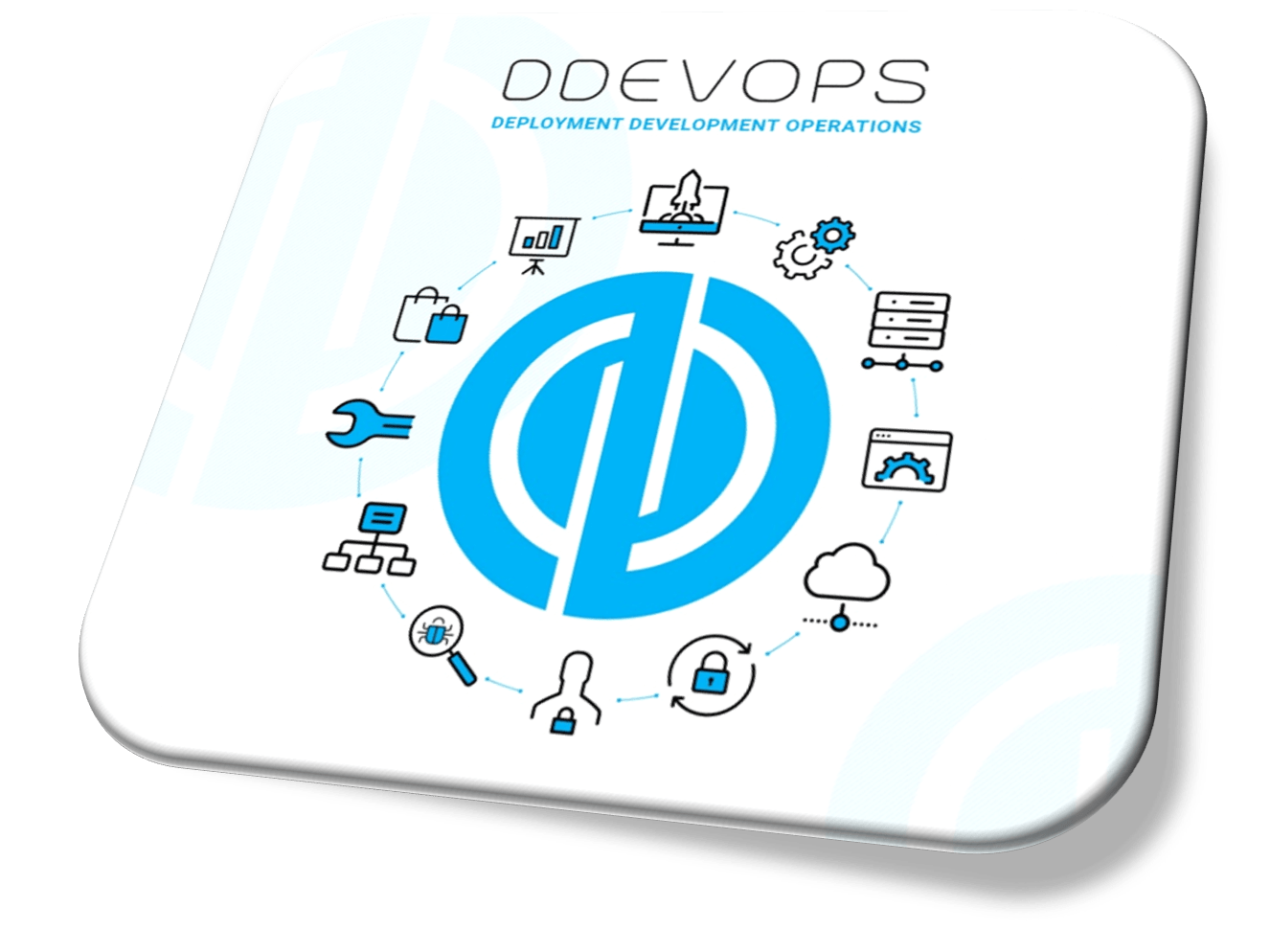
The Building Blocks of a Successful DevOps System
The Building Blocks of a Successful DevOps System
 hamna Siddiqui
The Building Blocks of a Successful DevOps System
Table of Contents
- Introduction
- The DevOps “infinity Loop”
- Planning and Coding
- Building and Testing (CI)
- Release and Deploy (CD)
- Operate and Monitor
- Conclusion
Introduction
In today’s software world, speed and stability are not special goals anymore. They’re the least standard. This is enabled by a strong DevOps workflow. It closes the previous gap between development and operations and creates a ongoing loop of improvement, helping teams deliver better software in less time.
So what does a well-designed DevOps workflow include, and which tools bring it to life? This guide walks through the main stages of the lifecycle and the tools that support each one.
The DevOps “Infinity Loop”
The core of a DevOps is a workflow that never really stops. Instead of moving in a straight line from planning to deployment, the process loops continuously. Its commonly represented as an infinity symbol to highlight the continuous feedback loop between development and operations.
This cycle ensures the real-world insights from the operations feed straight back into development, it helps teams learn from what is happening in production and continuously improve how they build and run software. Here’s a look at the key phases that make up this loop.
Phase 1: Planning and Coding
Everything begins with planning. Teams decide what needs to be built, which problems to solve, and how new features should behave. With a clear direction in place, developers begin writing the code. The focus in this phase is on producing clean, organized work that can be tracked, reviewed, and improved over time.
- Key activity: Defining requirements and writing the code.
• ESSENTIAL TOOLS:
• Jira or Trello: Help to organize tasks, manage the backlog, and keep everyone aligned.
• Git platforms like GitHub, GitLab, or Bitbucket: Enable version control so multiple developers can work together without overwriting each other’s work.
Phase 2: Building and Testing (CI)
Continuous Integration
The workflow starts with the planning phase. Teams decide what needs to be built, what issues to address, and how new features should function. Once the plan is set, developers move into writing the code. The aim at this stage is to create clean and organized work that can be reviewed and updated easily.
- Key activity: Defining requirements and writing the code.
- ESSENTIAL TOOLS:
- Jira or Trello: Helps with task tracking, backlog management, and keeping everyone on the same page.
- Git platforms such as GitHub, GitLab, or Bitbucket: Handles version control so developers can collaborate without conflicts.
Phase 3: Release and Deploy (CD)
Continuous Delivery / Deployment
After the build passes all tests, it is ready to move towards release. In a mature DevOps workflow setup, this transition is smooth and automatic. Continuous Delivery means the software is ready to be released at any time, while Continuous Deployment takes it a step further by pushing changes to production without any manual effort.
- Key Activity: setting up infrastructure and deploying the application to staging or production environments.
- Essential Tools:
- Docker: Packages applications into containers so they run the same way everywhere.Kubernetes: scale and manages those containers efficiently.
Phase 4: Operate and Monitor
The Feedback Loop
The workflow doesn’t end at deployment. In fact, this is where the real work begins. The Operations phase involves managing the application in the real world, while the Monitoring phase focuses on performance and user experience. Data gathered here is crucial—it feeds back into the “Planning” phase, starting the cycle all over again.
- Key Activity: ensuring system uptime, scaling resources, and analyzing logs/metrics.
- Essential Tools:
- Prometheus: For recording real-time metrics.
- Grafana: For visualizing those metrics in beautiful dashboards.
- Nagios: Monitors infrastructure health and alerts teams to outages.
Splunk / ELK Stack (Elasticsearch, Logstash, Kibana): For details log analysis and troubleshooting.
Conclusion
A successful DevOps workflow is more than just a set of tools; it is a shift in mindset. It moves an organization away from siloed hand-offs and toward a shared responsibility for the software’s lifecycle. By integrating the right tools—from Git for coding to Kubernetes for deployment and Grafana for monitoring—you create a pipeline that is robust, automated, and ready to meet the demands of modern users.
The key to success? Start small. Automate your build process, then your testing, and eventually your deployment. Before long, you will have a fully functional DevOps engine driving your business forward.
Written By Imman Farooqui